
Appearance
Digital asset alerts
The risk list: accounts still held by people who have left, subscriptions about to renew, and anything else that needs a decision rather than a look.
Menu path HR › Digital assets › Alerts
Address https://hub.cnvconnect.com/digital-assets/alerts
Permission digital_assets_alerts:view
Who uses it IT, security, office managers
The screen
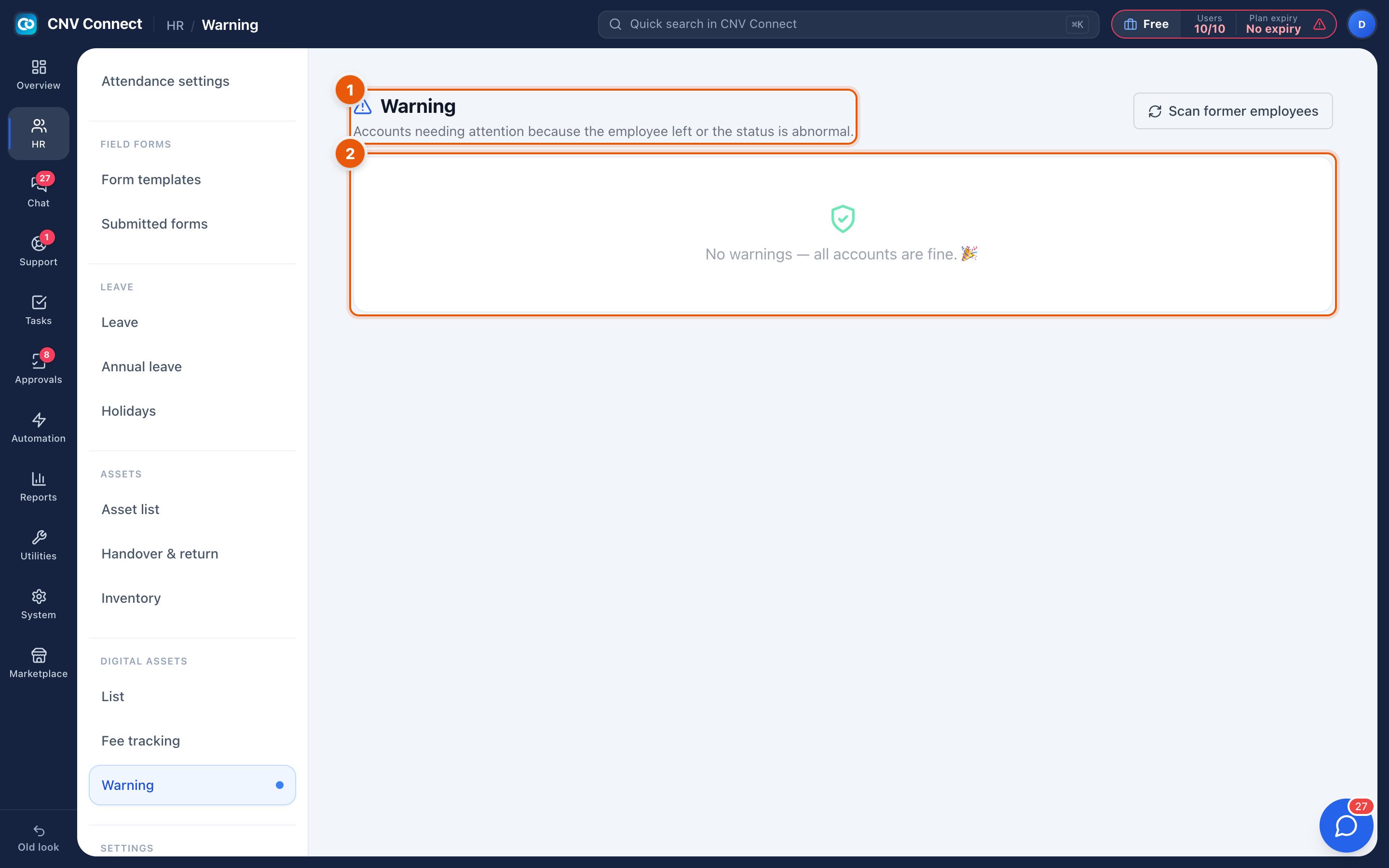
- Page title — warnings.
- Scan former employees — checks every registered account against the employee list and flags the ones still held by somebody who has been disabled or has left.
How to…
Close the gap after somebody leaves
- Select Scan former employees.
- For each account listed, decide: transfer it to the new owner, or lock it.
- Record what you did on the account itself in Digital assets, so the next scan comes back clean.
Make it routine
Run the scan on a schedule — the first working day of each month is enough for most companies — and after every departure. It takes seconds and it is the single most effective security habit in this module.
Notes
- The scan compares against employee status, so it only works if leavers are actually disabled in Employees.
- Renewal warnings come from the dates in Fee tracking.
- Alerts are advisory: nothing is locked automatically, because that decision usually needs a human.