
Appearance
Asset reports
Two reports about equipment: what the company owns, and where it has been.
Menu path Report › Asset report and Asset handover report
Address https://hub.cnvconnect.com/reports/hr/assets and /reports/hr/asset-assignments
Permission assets:view / asset_assignments:view
Who uses it office managers, finance
Asset report
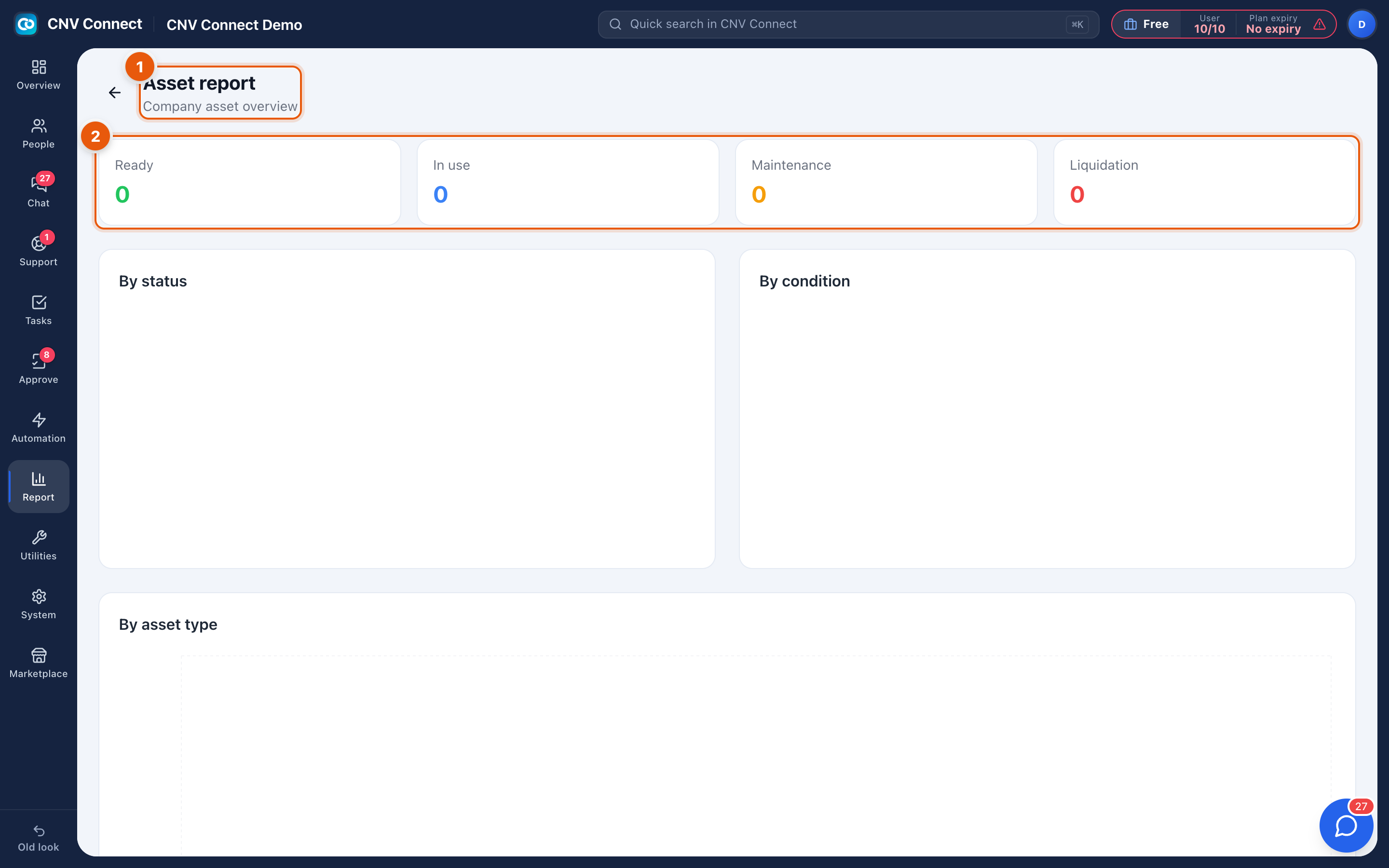
- Page title — company asset overview.
- Status tiles — Ready, In use, Maintenance, Liquidation: the stock position in four numbers. The By status, By condition and By asset type panels below slice the same population three ways.
Use it to answer "do we need to buy more laptops?" — ready is spare capacity, maintenance is what is temporarily gone, liquidation is what is on its way out.
Asset handover report
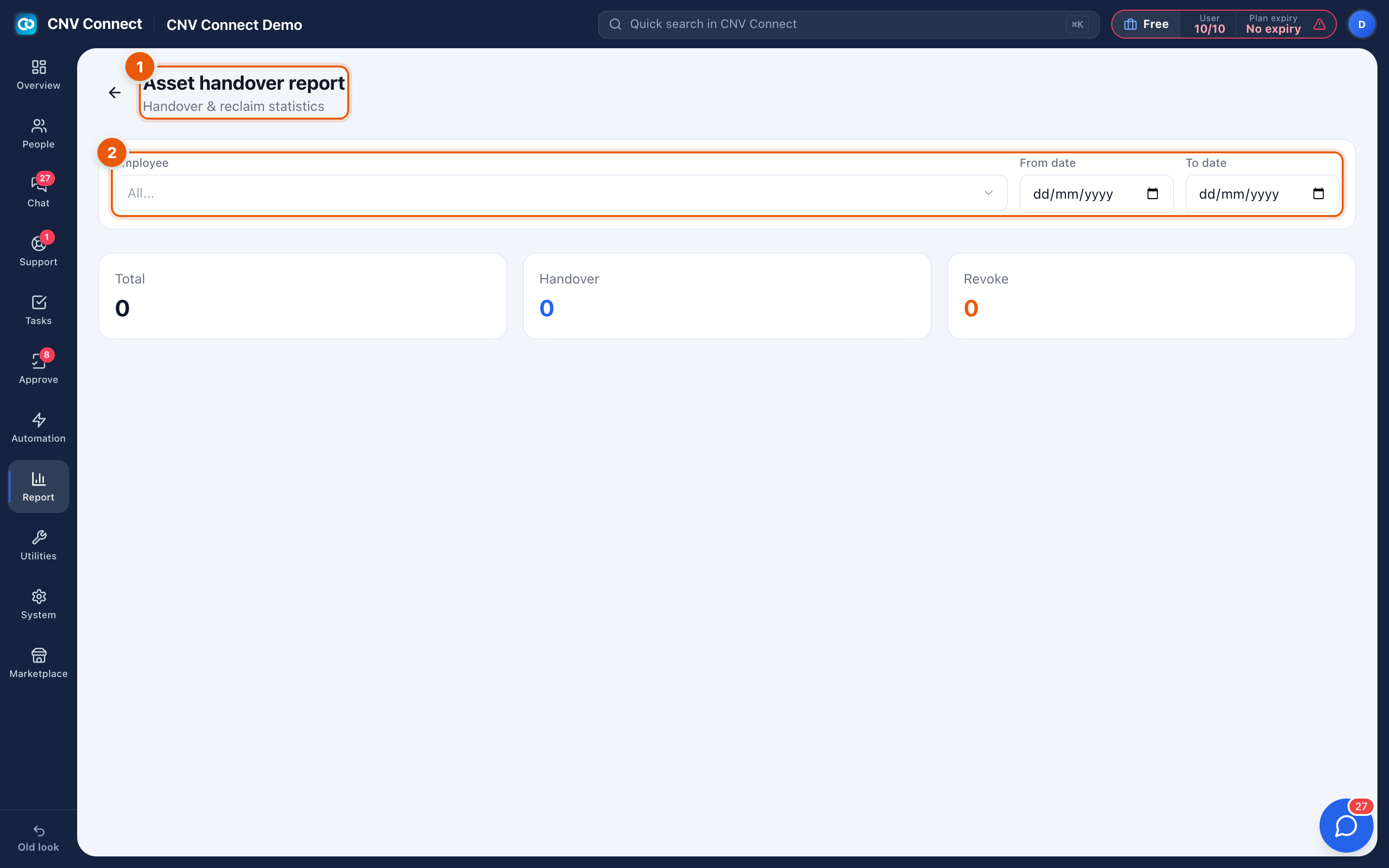
- Page title — handover and reclaim statistics.
- Filters — the employee and the from/to date range. The totals underneath show Total, Handover and Revoke movements for that period.
Use it when somebody leaves (what do they still hold?), during a stock count, or to see how much equipment churn a period produced.
Notes
- Both reports read the asset register and the movement log; they cannot be edited here.
- Assets with no type or condition recorded fall into empty buckets, which is usually the reason a chart looks lopsided.
- Digital assets are not included — they have their own cost and alert pages.