
Appearance
Webhooks
Outbound notifications: when something happens in the workspace, CNV Connect posts the event to a web address you control.
Menu path System › Integrations › Webhooks
Address https://hub.cnvconnect.com/webhooks
Permission webhooks:view
Who uses it developers, administrators
The screen
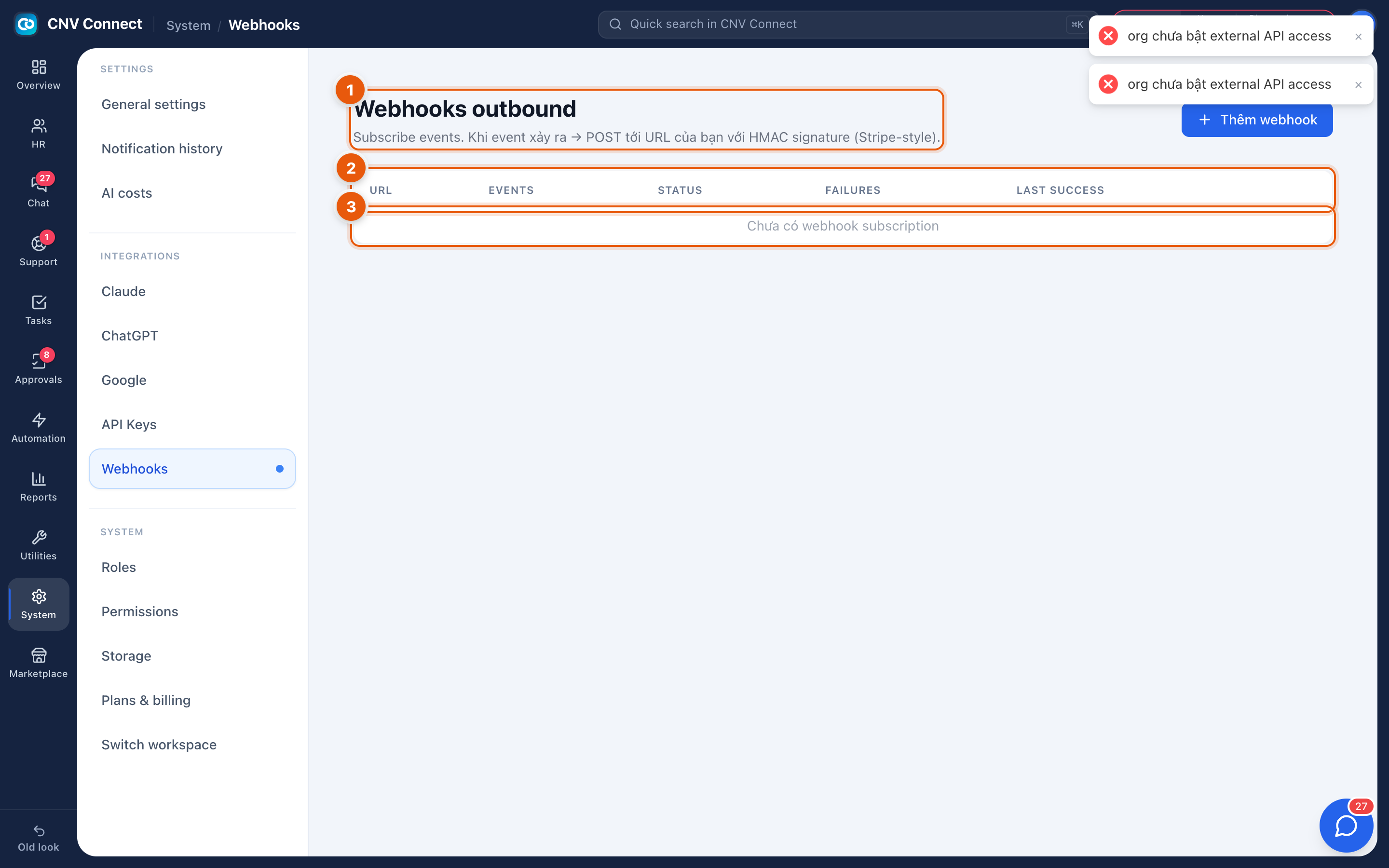
- Page title — outbound webhooks: subscribe to events, and when one happens the workspace posts it to your address. The add webhook button sits on this row.
- Columns — URL, events, status, consecutive failures and last successful delivery.
- The list — empty here, with a "no webhook subscriptions yet" message.
How to…
Subscribe to events
- Select add webhook.
- Enter the HTTPS address that will receive the events.
- Choose the events — subscribe narrowly; every event is a request your endpoint must handle.
- Save, then trigger the event once and confirm the last success column fills in.
Handle deliveries correctly
Your endpoint should answer quickly with a 2xx and do the real work afterwards. Deliveries are retried on failure, so the same event can arrive more than once — make the handling idempotent.
Deal with a failing subscription
The failures column counts consecutive failures. After enough of them the subscription is suspended so a dead endpoint does not consume the queue. Fix the endpoint, then re-enable it.
Notes
- Payloads are signed so your endpoint can verify they came from CNV Connect. Verify the signature before trusting the content.
- Only HTTPS destinations are accepted.
- Inbound access — another system calling your workspace — uses API keys instead.