
Appearance
Org chart
The org chart draws the reporting structure: who reports to whom, and which position each person holds. It is built from positions, not from people — so a vacant post is still a box on the chart.
Menu path HR › Org chart
Address https://hub.cnvconnect.com/org-chart
Permission org_chart:view
Who uses it HR, leadership
The screen
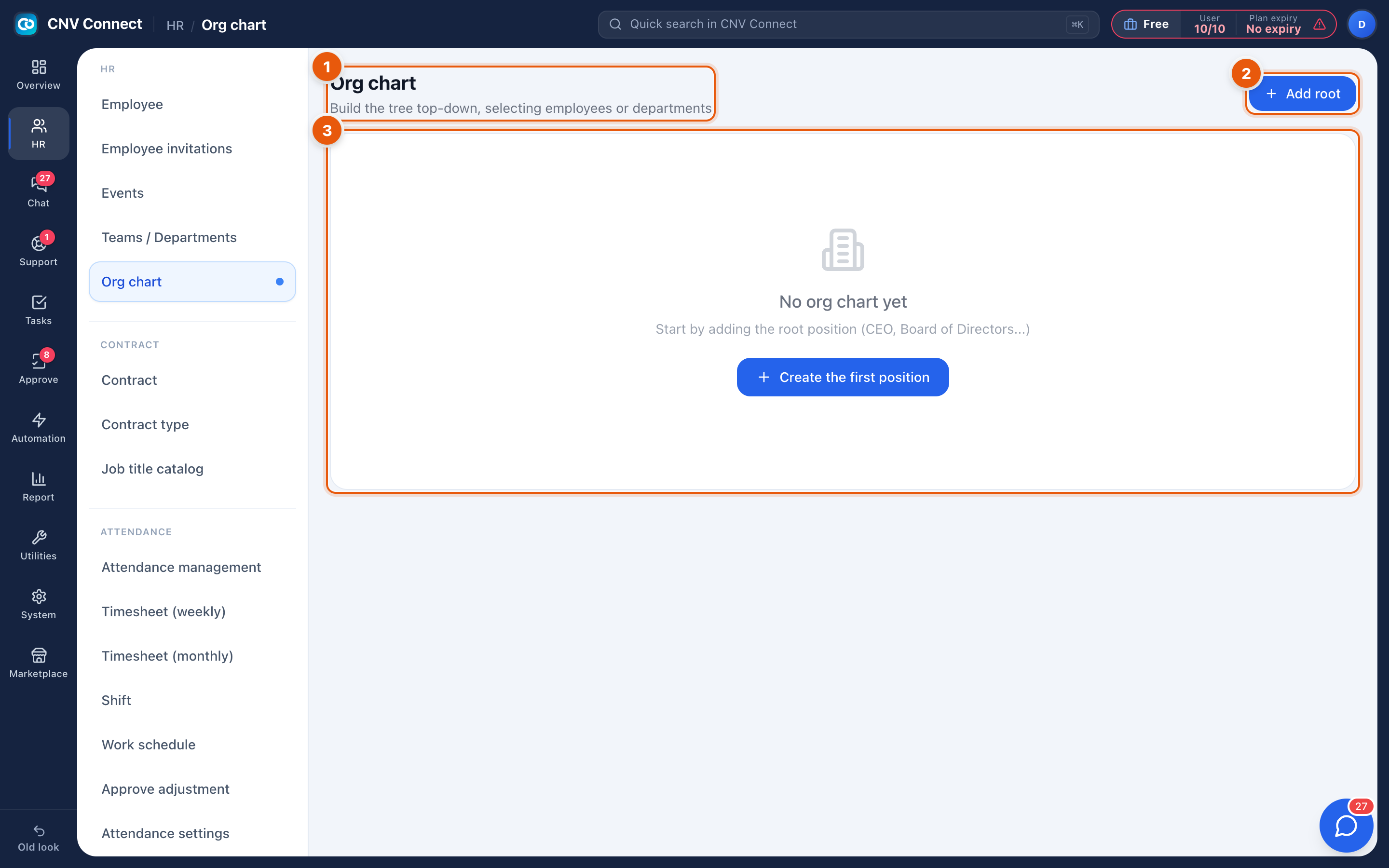
- Page title — build the tree top-down, selecting employees or departments.
- Add root — creates the top box (CEO, board, managing director).
- Empty state — until the root exists there is nothing to draw; the page explains this and offers the same action as a large button.
Once positions exist, the page shows the tree: each box carries the position title and the employee holding it, with lines to the positions reporting into it.
How to…
Build the chart
- Select Add root and name the top position, then attach the employee who holds it.
- Select a box and add a child position under it for each direct report.
- Repeat down the tree. It is normal to build it department by department.
Attach a person to a position
Open the position and pick the employee. One person can hold more than one position (for example an interim role); an unfilled position stays on the chart as vacant, which is what makes the chart useful for hiring plans.
Reorganise
Move a box to a new parent to re-point the reporting line. Children follow their parent, so moving a manager moves the whole branch.
Notes
- The chart is documentation, not enforcement. Approval routing follows the department manager set in Teams, not the chart.
- Job titles come from the Job title catalogue — keep the two consistent so exports read cleanly.
- Removing a position does not delete the employee; it only removes their box.