
Appearance
File exports
Large exports are prepared in the background. This page is where the finished files land.
Menu path Utilities › Export
Address https://hub.cnvconnect.com/utilities/exports
Permission exports:view
Who uses it everyone who exports data
The screen
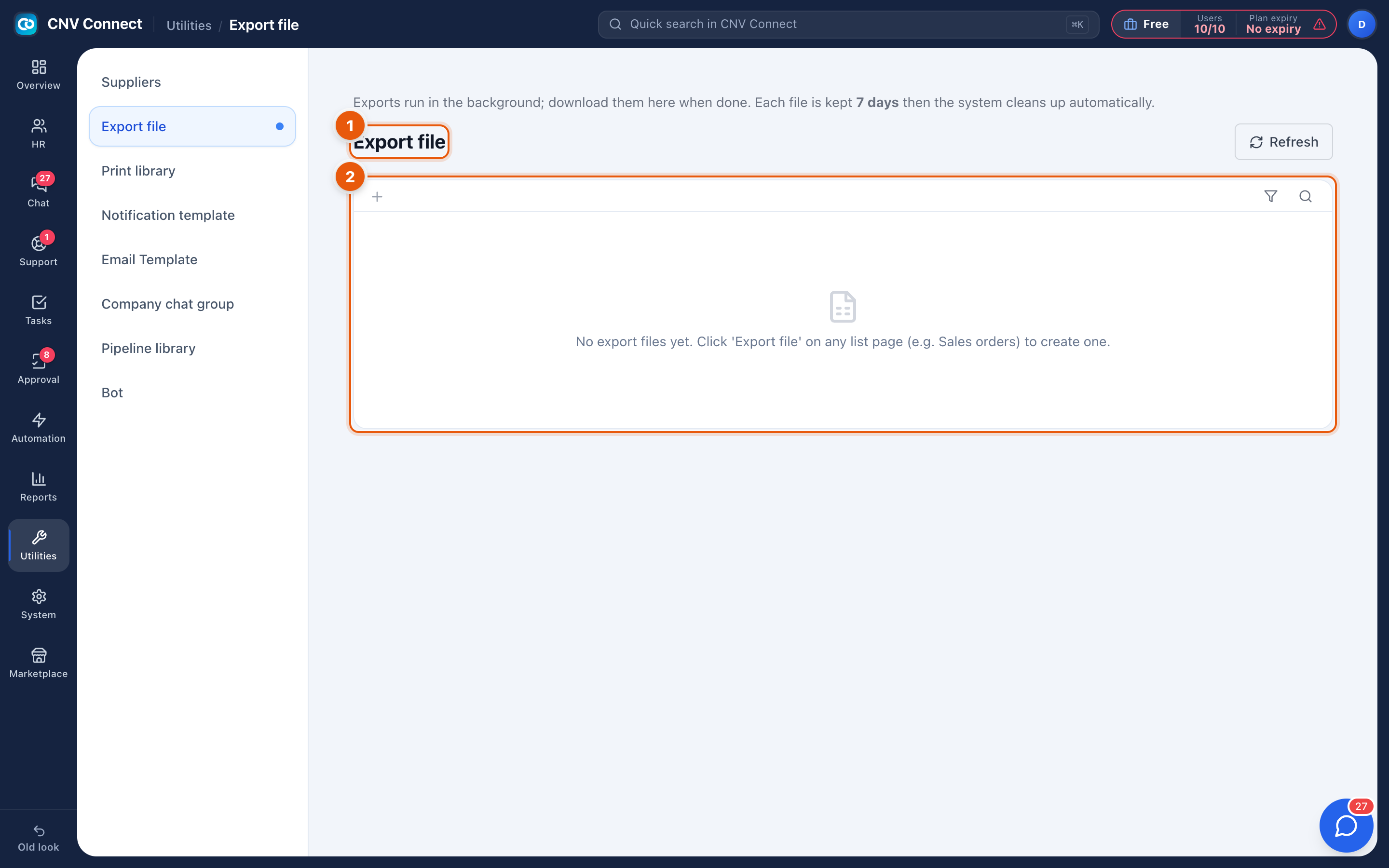
- Page title — your export files, with Refresh to re-check whether a job has finished.
- Empty state — nothing exported yet. Exports are started from the list pages themselves, not from here.
How to…
Export something
- Open the list you want — employees, attendance, tickets, tasks.
- Apply the filters so the export contains what you actually need.
- Use that page's export action.
- Small exports download immediately; larger ones are queued and appear here when ready.
Collect a finished file
Open this page and download it. The badge on Utilities in the rail counts files that have finished but have not been downloaded yet.
Notes
- Exports are personal: you see your own files, not other people's.
- Files are kept for a limited time and then cleaned up, so download rather than treat this as an archive.
- An export contains the rows your permissions allow, which is why two people exporting "the same" list can get different files.