
Appearance
Notification templates
The wording of messages the system sends: reminders, alerts, announcements posted by automations. Editing them here changes what everybody receives.
Menu path Utilities › Notification templates
Address https://hub.cnvconnect.com/utilities/notification-templates
Permission noti_templates:view
Who uses it administrators
The screen
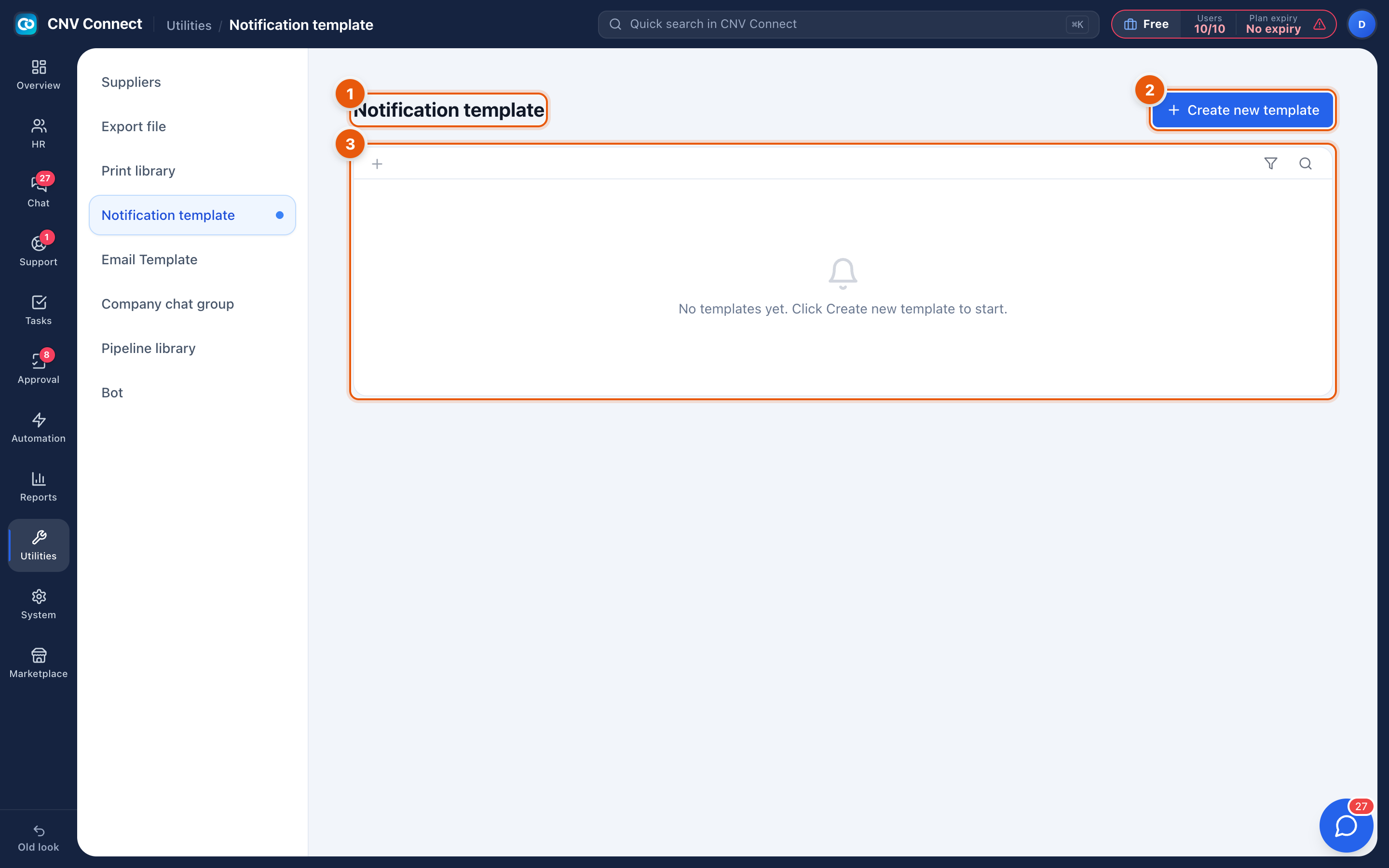
- Page title — notification template.
- Create new template — writes a new message.
- Empty state — no templates yet.
How to…
Write a template
- Select Create new template.
- Name it after the moment it is sent ("Contract expiring in 30 days").
- Write the message. Use the placeholders the editor offers — employee name, date, record number — so one template serves everybody.
- Save, then reference it from the automation flow that sends it.
Change what an existing notification says
Edit the template. The change applies to messages sent from that moment; messages already delivered are unaffected.
Notes
- These are in-app and chat notifications. E-mail bodies live in E-mail templates, and agent replies to customers live in reply templates.
- A template on its own sends nothing — an automation, or a system event, has to reference it.
- Keep them short. Most are read on a phone, on a notification screen, in three seconds.