
Appearance
Ticket settings
Workspace-wide behaviour for the help desk: when a resolved ticket closes itself, how long it can be reopened, and when a manager should hear about a ticket that keeps coming back.
Menu path Support › Settings › Ticket settings
Address https://hub.cnvconnect.com/tickets/settings
Permission support_settings:view
Who uses it support administrators
The screen
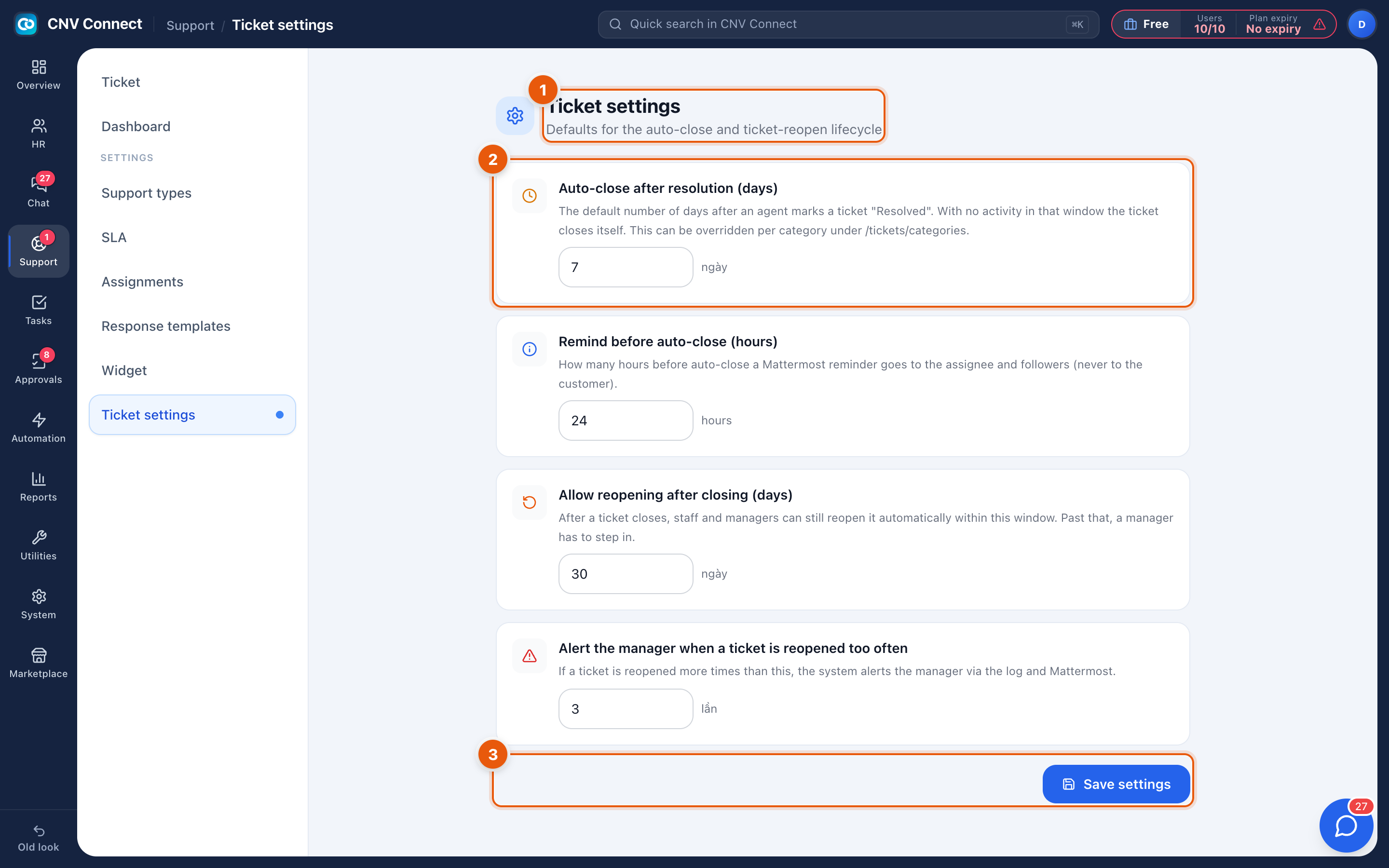
- Page title — defaults for the auto-close and ticket-reopen lifecycle.
- The four settings — Auto-close after resolution (days): how long a resolved ticket waits before closing itself; Remind before auto-close (hours): the warning sent before it does; Allow reopening after closing (days): the window in which a closed ticket can be reopened instead of a new one being raised; Alert the manager when a ticket is reopened too often: the threshold at which repeated reopening becomes a signal.
- Save settings — nothing takes effect until you save.
How to…
Choose sensible numbers
| Setting | Typical value | Why |
|---|---|---|
| Auto-close | 3–7 days | Long enough for a reply over a weekend |
| Remind before close | 24 hours | One clear warning |
| Reopen window | 7–14 days | Keeps a follow-up on the original thread |
| Reopen alert | 2–3 times | More than twice usually means the fix did not hold |
Test the effect
Change one number, save, then watch a resolved ticket over the next few days. These settings affect every ticket in the workspace, so change them one at a time.
Notes
- Auto-close does not delete anything; a closed ticket keeps its history and can still be found in the queue.
- Reopening keeps the original code and the whole conversation, which is why the reopen window matters for reporting.
- These settings are separate from SLA policies: SLAs measure how fast you answer, these decide how a finished ticket ends.